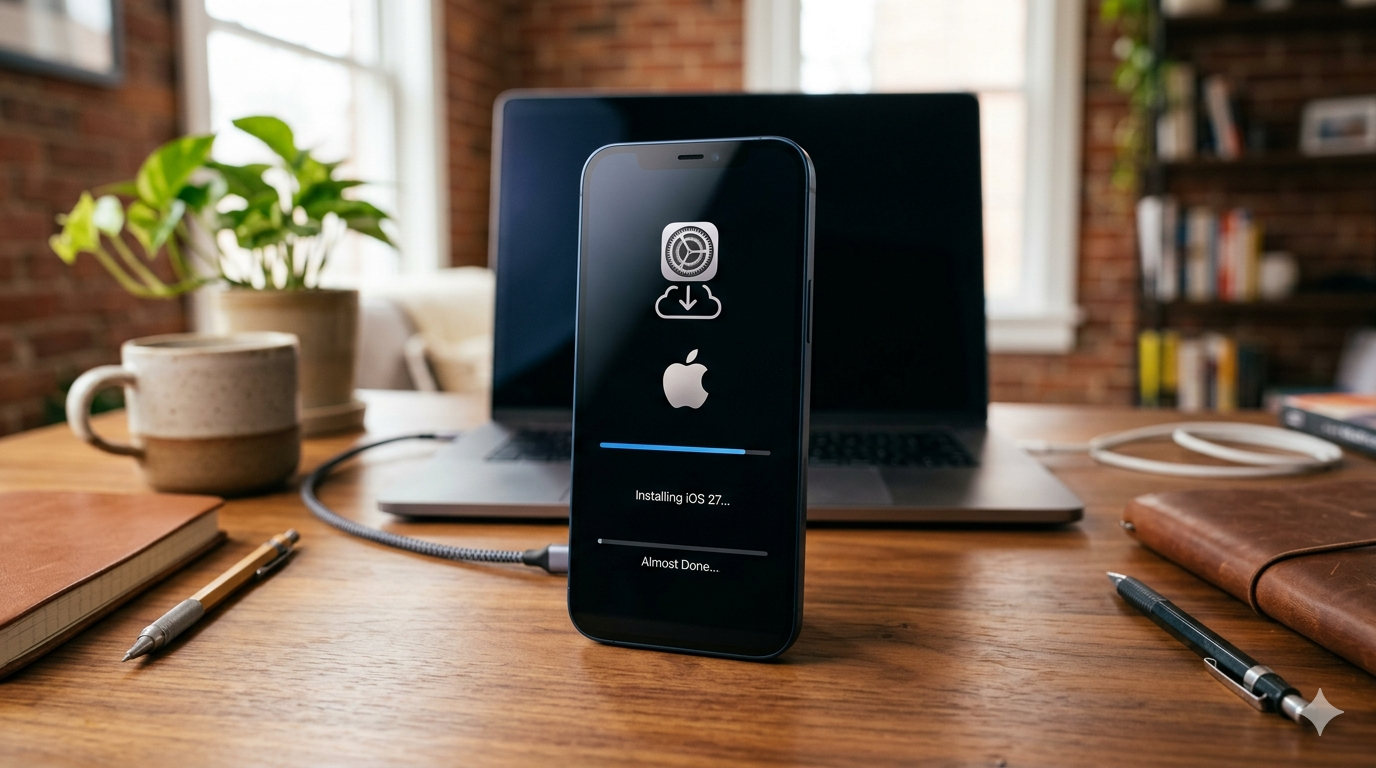

Digimagaz.com – Apple has officially introduced iOS 27 during WWDC 2026, giving developers and early adopters their first opportunity to experience the next generation of iPhone software months before its public release.
While the final version of iOS 27 is expected to arrive alongside the upcoming iPhone 18 lineup in September, Apple has already made the developer beta available for users who want to explore new features ahead of time. Although primarily intended for app developers, the beta can also be installed by regular users who are comfortable testing pre-release software.
Before jumping into the installation process, it is important to understand both the benefits and potential risks of running beta software on a daily-use device.
What Is the iOS 27 Developer Beta?
The developer beta is Apple’s earliest public testing phase for a major operating system update. It allows developers to test their applications against upcoming software changes and helps Apple identify bugs before the wider release.
Because this version is still under development, users may encounter issues such as:
- App compatibility problems
- Unexpected crashes
- Reduced battery life
- Performance slowdowns
- Occasional system instability
For users who rely heavily on their iPhone for work or daily communication, waiting for the public beta or final release may be the safer option.
Back Up Your iPhone Before Installing
One of the most important steps before installing any beta software is creating a complete backup of your device.
A backup ensures that your photos, messages, settings, and other personal data can be restored if something goes wrong during installation or if you decide to downgrade later.
You can create a backup through:
- iCloud Backup
- Finder on Mac
- Apple Devices app on Windows
Taking a few minutes to back up your iPhone can save hours of troubleshooting later.
How to Join the Apple Developer Program
Access to the iOS 27 developer beta requires enrollment in Apple’s Developer Program.
To get started:
- Visit Apple’s Developer enrollment page.
- Select Start Your Enrollment.
- Sign in using your Apple ID.
- Choose Continue Enrollment on the Web.
- Enter your personal information.
- Select your entity type, which is typically Individual for most users.
- Review and accept Apple’s agreement.
Users will eventually reach a payment screen, but access to developer betas is generally available through Apple’s free developer tier, meaning many users can proceed without purchasing a paid membership.
Alternatively, enrollment can be completed through the Apple Developer app by signing in through the Account section.
How to Download and Install the iOS 27 Developer Beta
Once your Apple ID is associated with the Developer Program, installing the beta becomes straightforward.
Follow these steps:
Step 1: Open Settings
Launch the Settings app on your iPhone.
Step 2: Navigate to Software Update
Go to:
General → Software Update
Step 3: Enable Beta Updates
Tap:
Beta Updates
You should see available beta channels linked to your Apple ID.
Step 4: Select iOS 27 Developer Beta
Choose:
iOS 27 Developer Beta
Return to the Software Update screen.
Step 5: Download the Update
The latest iOS 27 beta build should now appear as an available update.
Tap:
Download and Install
Then follow the on-screen instructions.
Step 6: Wait for Installation to Complete
The installation package may be several gigabytes in size, depending on your current iOS version.
During installation:
- Your iPhone will restart automatically.
- The update process may take several minutes.
- The device may be temporarily unavailable while files are being installed.
Ensure your battery is sufficiently charged or keep the device connected to a power source throughout the process.
Should You Install the Developer Beta?
For technology enthusiasts, the iOS 27 developer beta offers an early look at Apple’s newest innovations and interface improvements.
However, users should carefully consider whether they are comfortable dealing with unfinished software. If stability is your top priority, waiting for the public beta release later this summer could provide a smoother experience while still offering early access to most of iOS 27’s features.
Developers, testers, and curious users who enjoy exploring new software ahead of launch will likely find the developer beta worthwhile, provided they take proper precautions and back up their devices beforehand.
Final Thoughts
With Apple officially unveiling iOS 27, eager iPhone users no longer have to wait until September to explore the company’s latest software advancements. Thanks to the developer beta program, anyone with a compatible device and an enrolled Apple ID can gain early access to the update.
Just remember that beta software is designed for testing, not perfection. Back up your data, prepare for potential bugs, and enjoy a first look at what could be one of Apple’s most significant iPhone software updates yet.
Read More :