
Table of contents:
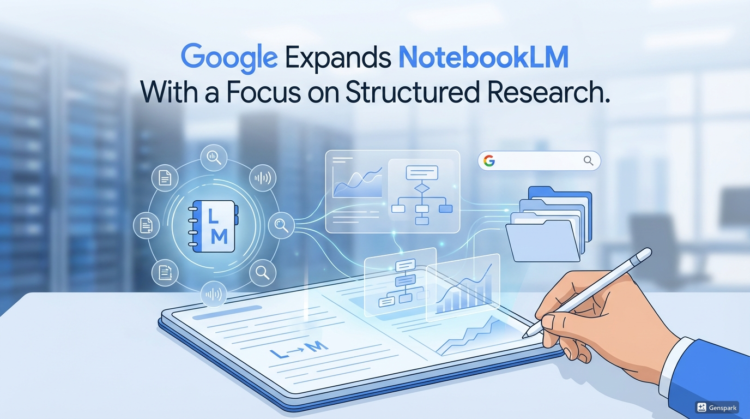
Digimagaz.com – Google is continuing to refine NotebookLM into a more practical research platform rather than a general-purpose AI assistant. Its latest update introduces a feature called Data Tables, designed to help users organize and compare information pulled from multiple sources in a more structured way.
What the Data Tables Feature Does
Data Tables allows NotebookLM to collect key details from different documents and synthesize them into a chart. Users can then export that chart directly to Google Sheets for further analysis or sharing. The feature is now available to Pro and Ultra subscribers, with a broader rollout planned for all users in the coming weeks.
Instead of presenting research solely as long summaries or bullet points, Data Tables emphasizes clarity and structure. This approach aims to reduce the time users spend manually organizing information after the research phase is complete.
Using Natural Language to Build Tables
One of the more notable aspects of Data Tables is how users interact with it. Rather than designing a spreadsheet from scratch, users can describe what they want in plain language. For example, they might ask NotebookLM to compare prices, timelines, or product features across several sources. The platform then generates a table based on those instructions.
This design choice makes the feature accessible to users who may not be comfortable working with complex data tools, while still offering flexibility for more advanced workflows.
Practical Use Cases for Everyday Research
Google suggests Data Tables can be used to organize scattered notes, create price comparison charts, or aggregate findings from multiple research projects. These use cases highlight a shift toward helping users move from information gathering to decision-making.
For researchers, journalists, and students, the ability to see comparable data side by side can make patterns and gaps more obvious than narrative summaries alone.
Integration With Google Sheets
The option to export tables directly to Google Sheets reflects Google’s broader strategy of connecting AI features with its productivity ecosystem. Once in Sheets, users can edit the data, apply formulas, build charts, or collaborate with others.
This seamless transition from AI-assisted research to familiar productivity tools may increase NotebookLM’s appeal in professional and academic environments.
Part of a Broader NotebookLM Evolution
The launch of Data Tables follows another recent upgrade to NotebookLM. Last month, Google introduced a Deep Research mode aimed at handling more complex queries that require deeper reasoning and synthesis. That capability was first introduced in late 2024 for the Gemini chatbot before being adapted for NotebookLM.
Together, these updates suggest Google is steadily aligning its AI tools around research accuracy, structure, and usability rather than conversational novelty.
Why Data Tables Matters
While Data Tables may not be a headline-grabbing feature, it addresses a real limitation in many AI research tools. Turning unstructured information into organized, verifiable outputs is often where users spend the most time.
By prioritizing structured data and exportable results, Google is positioning NotebookLM as a tool that supports real-world analysis and informed decision-making. As the feature becomes available to more users, its success will likely depend on how well it handles nuance, conflicting information, and source reliability.